Desktop Monitor Mount for 17"–32" Monitors C989


Desktop Monitor Mount for 17"–32" Monitors C989
A versatile desktop mount for monitors or touchscreens ranging in size from 17" to 32", with height adjustment. Suitable for graphic designers and office workers.
39.99 €32.25 € without VAT
AvailabilityIn stock
Select accessories for the product
Discount when purchased with this product
HDMI cables
TIP
Don't wait for your next order – have the cable ready for installation right away.
Screen cleaners
TIP
Wireless phone chargers
What makes us the best
- Height-adjustable
- Modern design
- Load capacity: 8 kg
- High-quality construction
- Excellent stability
- Works with touchscreens
We recommend a better product
HS-G45 Universal Office Monitor Mount
- Perfect stability<br/>
- 12 kg weight capacity<br/>
- Screen height adjustment<br/>
- Modern design<br/>
- Excellent value for money<br/>
Only 79.01 € more.
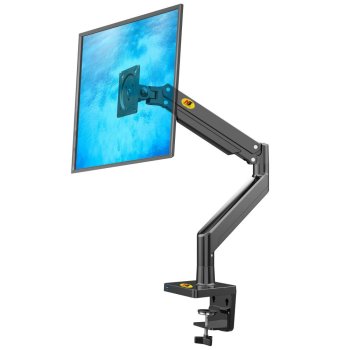
Desktop Monitor Mount for 17"–32" Monitors C989
Height-adjustable, swiveling desktop monitor mountwith tilt and side-to-side rotation.
We recommend this mount for monitors with screen sizes ranging from 17" to 32" (43 to 81 cm) and weighing between 2 kg and 8 kg.
A minimum weight of 2 kg is required for the height adjustment to function properly.
VESA standard (width x height of mounting holes) 75x75 mm to 100x100 mm.
Wide Range of Adjustability
The universal desktop mount can be adjusted for height, swiveled sideways, and tilted up or down by up to 90°. This ensures ideal conditions for working on a computer and maximum comfort for your neck.
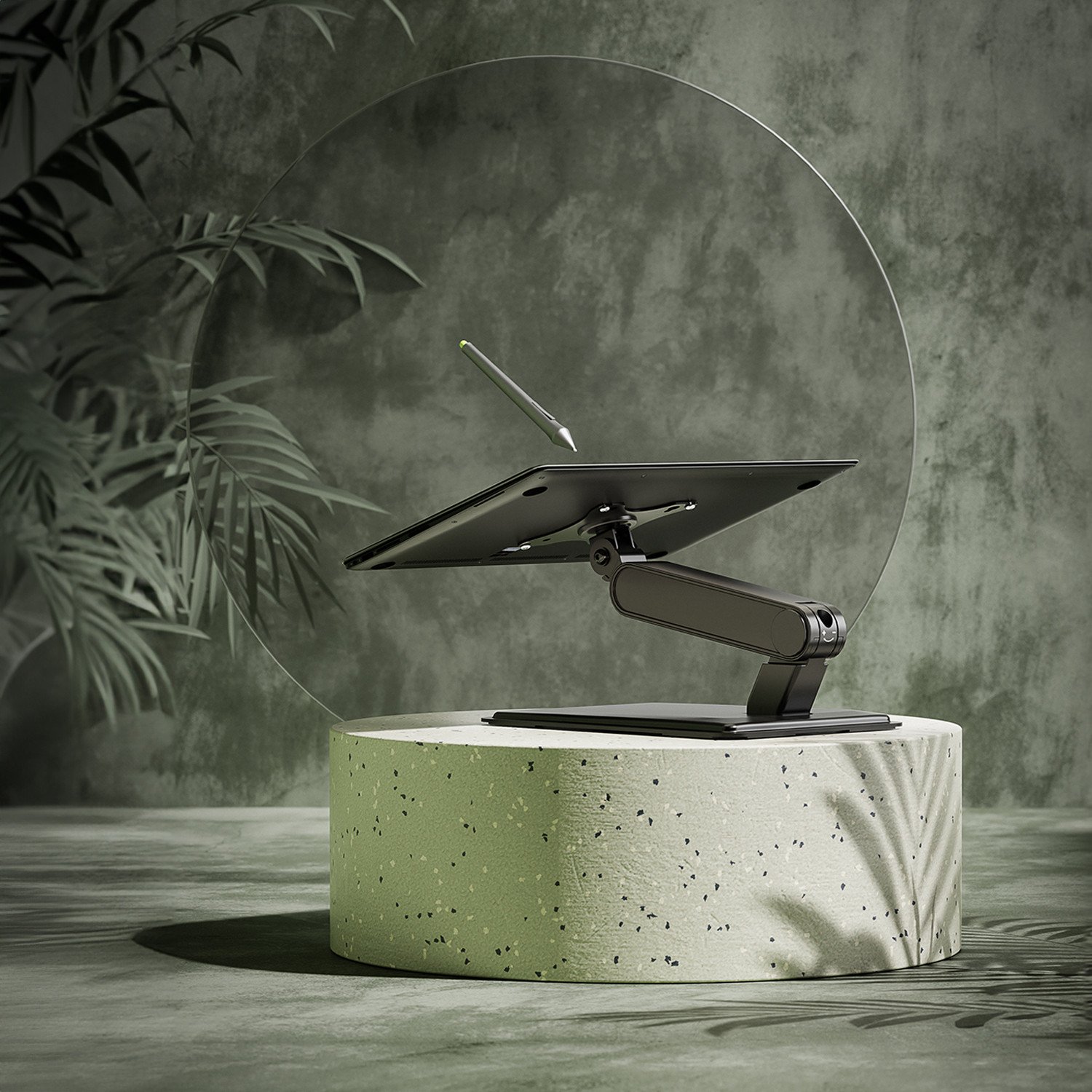
Modern design
The elegant desktop monitor mount features a modern design. It includes a hidden cable management system that ensures a clean look and saves space on your desk.
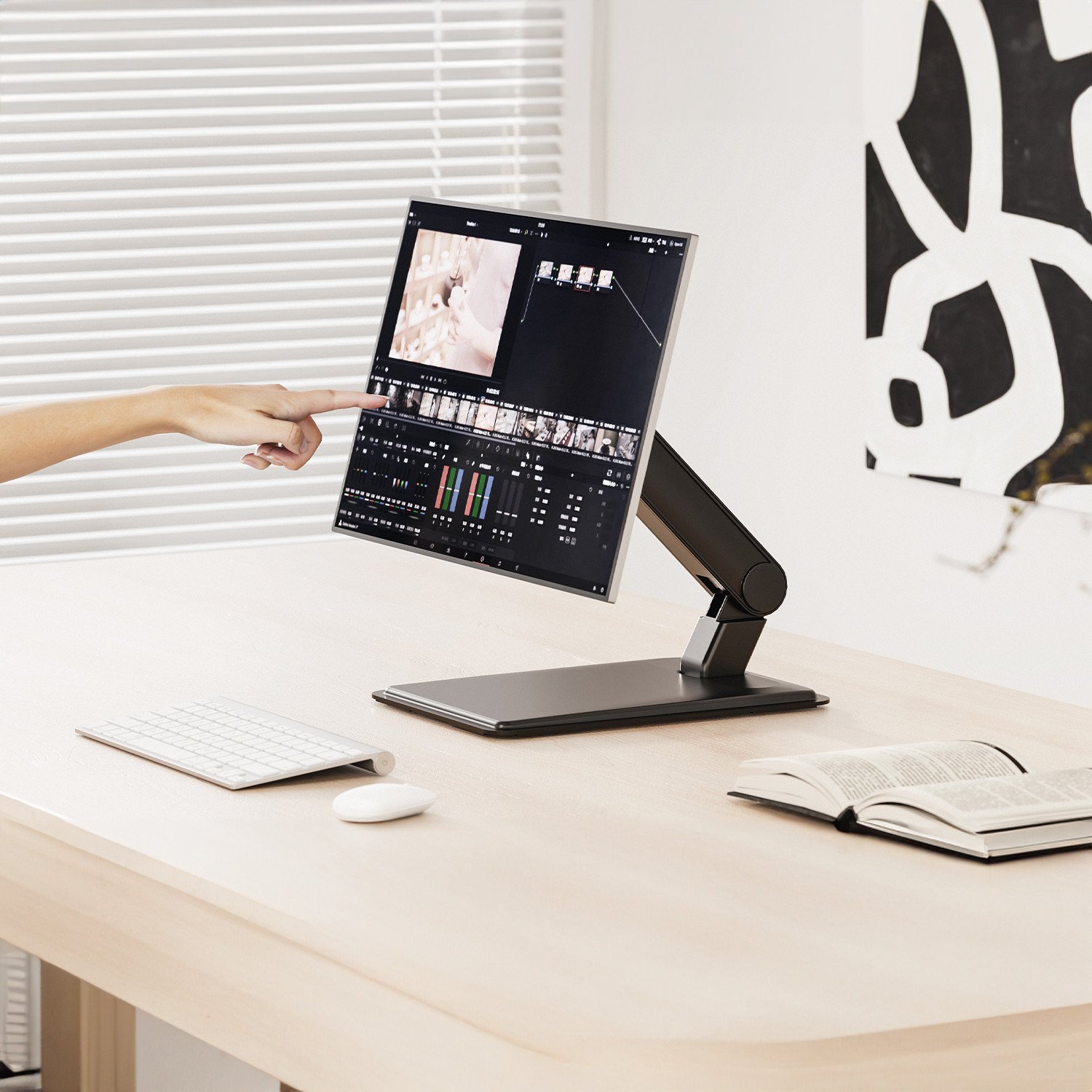
Quick and Easy Installation
Installation is easy and can be done by anyone. It takes onlya few minutes to set up.

The screws included in the package may not fit all monitor models.
Want to be sure the screws will fit your TV? We recommend purchasing our complete HS-99 installation kit.
What monitors is this mount compatible with?
This universal mount supports VESA standards (mounting hole spacing) ranging from 75x75 to 100x100 mm.
The C989 desktop swivel mount is suitable for mounting any monitor weighing up to 8 kg that supports the VESA standard listed in the table below. You can mount both standard flat-screen and curved TVs and monitors.
A Mount for All Types of Monitors
This high-quality monitor mount will meet all your needs.
The adjustable mount is suitable for installing LCD, plasma, LED, 3D, and OLED displays from all brands, such as HP, Asus, LG, Philips, and others.
The listed recommended screen size is not essential; it is for reference only.
The VESA standard refers to the spacing (width x height) of the mounting holes for attaching the mount to the TV.
Technical details
| Manufacturer | Maclean |
|---|---|
| Material Material Used For The Product. | Steel + plastic caps |
| Upwards tilt How many degrees can the screen be tilted upwards? | 100° |
| Tilt down How many degrees can the screen be tilted downwards? | 15° |
| Turning to the sides Maximum angle for rotating the screen sideways (e.g. 90° = perpendicular to the wall). The value stated is without the screen attached. The rotation is represented by the bracket itself. | 180° |
| Color Color of the product. | Black |
| Type What type of holder or stand is it? | Swivel (hinged), Height adjustable |
| Installation location Where the product can be installed or used | On the table |
| Height adjustment range The range within which the height of the mounted TV can be adjusted. | 179 mm |
| Height adjustment | 118 - 297 mm |
Compatible with devices from brands
The mount is universal and compatible with, for example, the following brands. We recommend checking the thread depth in your TV.Samsung
LG
Sencor
Panasonic
JVC
Thomson
Toshiba
Sharp
Sony
Philips
Acer
Asus
Benq
Dell
HP
Xiaomi
MSI
AOC


